
SmartgridOne logo
SmartgridOne logo
Accessories
AppCertificates
Configuration from A to Z
1. Link to your account2. Accessing commissioning interface3. Grid limits4. Location / address5. Add grid energy meter6. Add other devices7. Grouping devices
8 Local Control Modes
9. PV panel configuration10. External control signals
11 Extra Information
Control response timeController
Customer Specific
Devices
External Signals
InstallationLicenseNetworkQuick StartSafety, maintenance and legal noticesSpecificationsStatus LEDs
Toolbox
Troubleshooting
Video tutorialsWiring & connectivity guidelines
Configuration from A to Z

PV panel configuration

Note
Note

The PV panel configuration is requested during the initial setup. You can change it later under the "Settings" menu in the commissioning interface, in the "PV installation details" submenu.

Note
Note

The panel configuration is used to improve the accuracy of predicted PV production.

You have a choice between the simple and advanced configurator.

In the simple configurator, you only enter the total output of the PV system.
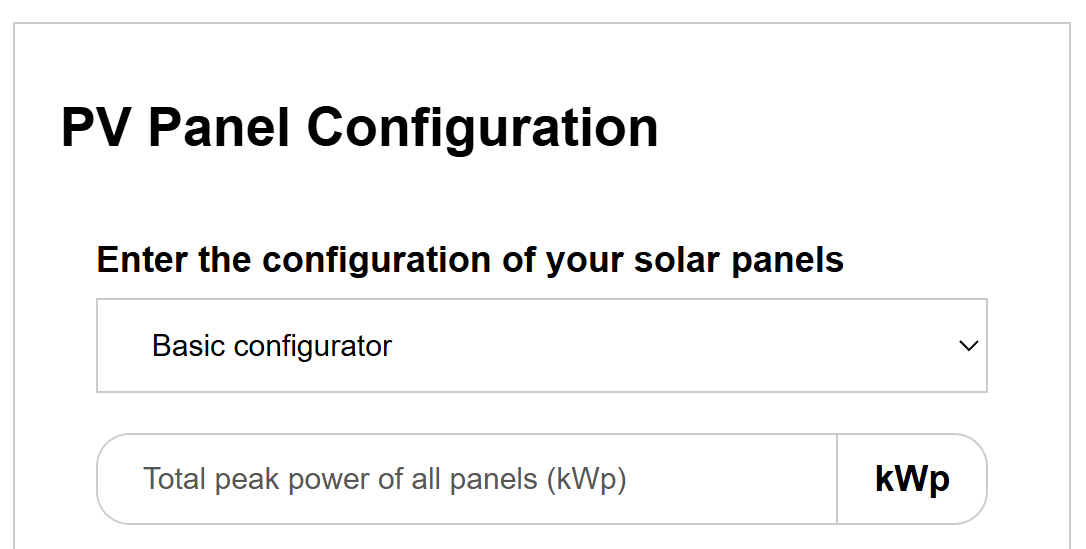
Image 1

In the advanced configurator, you can account for configuration down to the panel level.
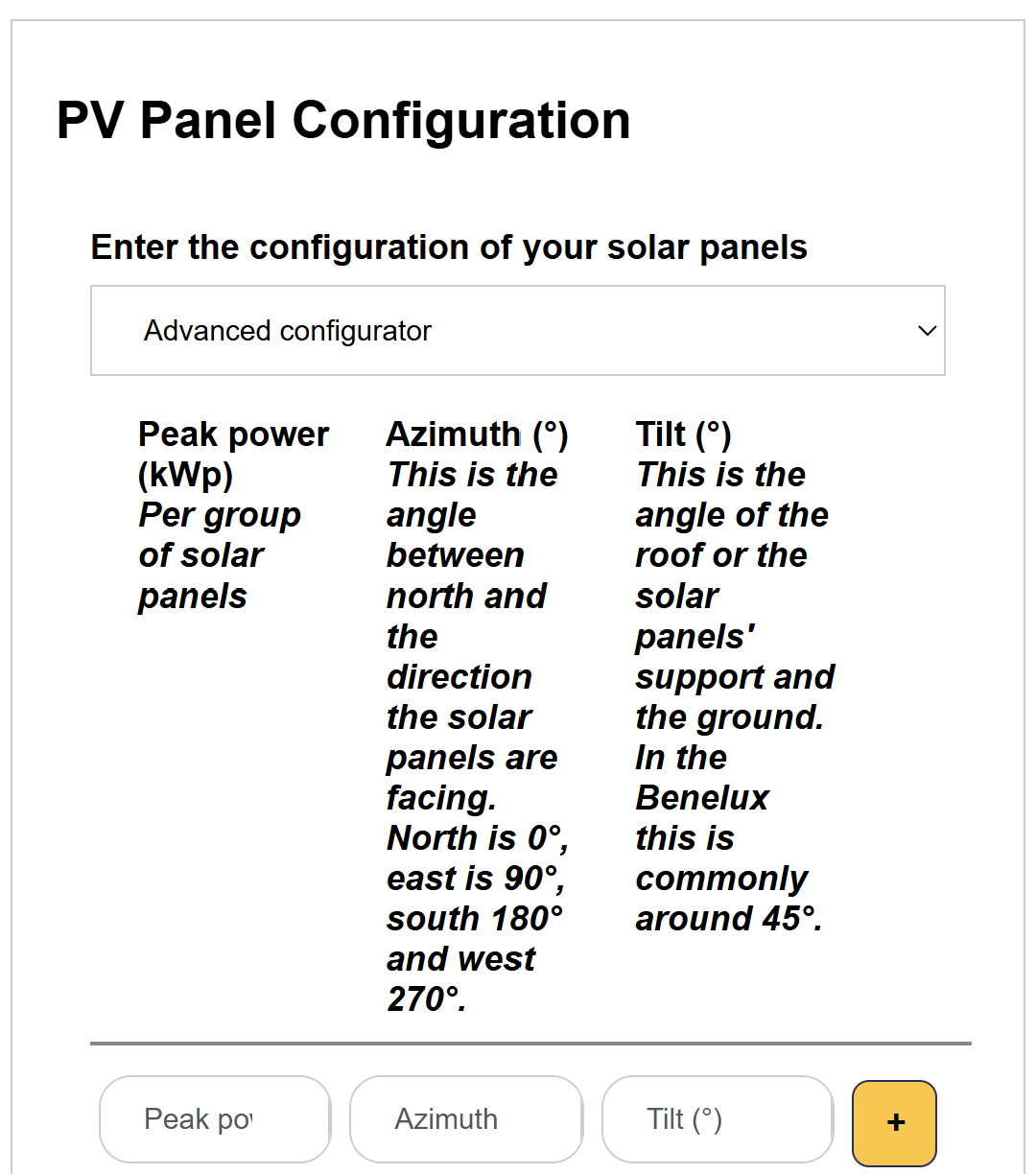
Image 1

Setting control modes

Previous Page

10. External control signals

Next Page

On this page

PV panel configuration