
SmartgridOne logo
SmartgridOne logo
App
Integrations
Monitoring
Web Portal
Account settings
Dashboard settings
Features
Functionalities
Homepage
Installations
Legacy Web Portal
Account Settings
Alarms Legacy Web Portal
Global Settings
Manual
My Buildings
Reports Legacy Web Portal
Creating ReportsEditing Reports
Side menuUsers
Logging In
Management
OnboardingVideo tutorials
Whitelabeling
Whitelabeling App
Web PortalLegacy Web PortalReports Legacy Web Portal

In order to edit a report you have to make sure the 'Edit report' box is checked. This will give you a list of widgets that you can choose to put on the report.

When pressing on a title, the settings page of the corresponding widget will open. Activating a widget will place it on the report.

And that's it. This is very similar to creating dashboards. For more information about widgets, use the button below.
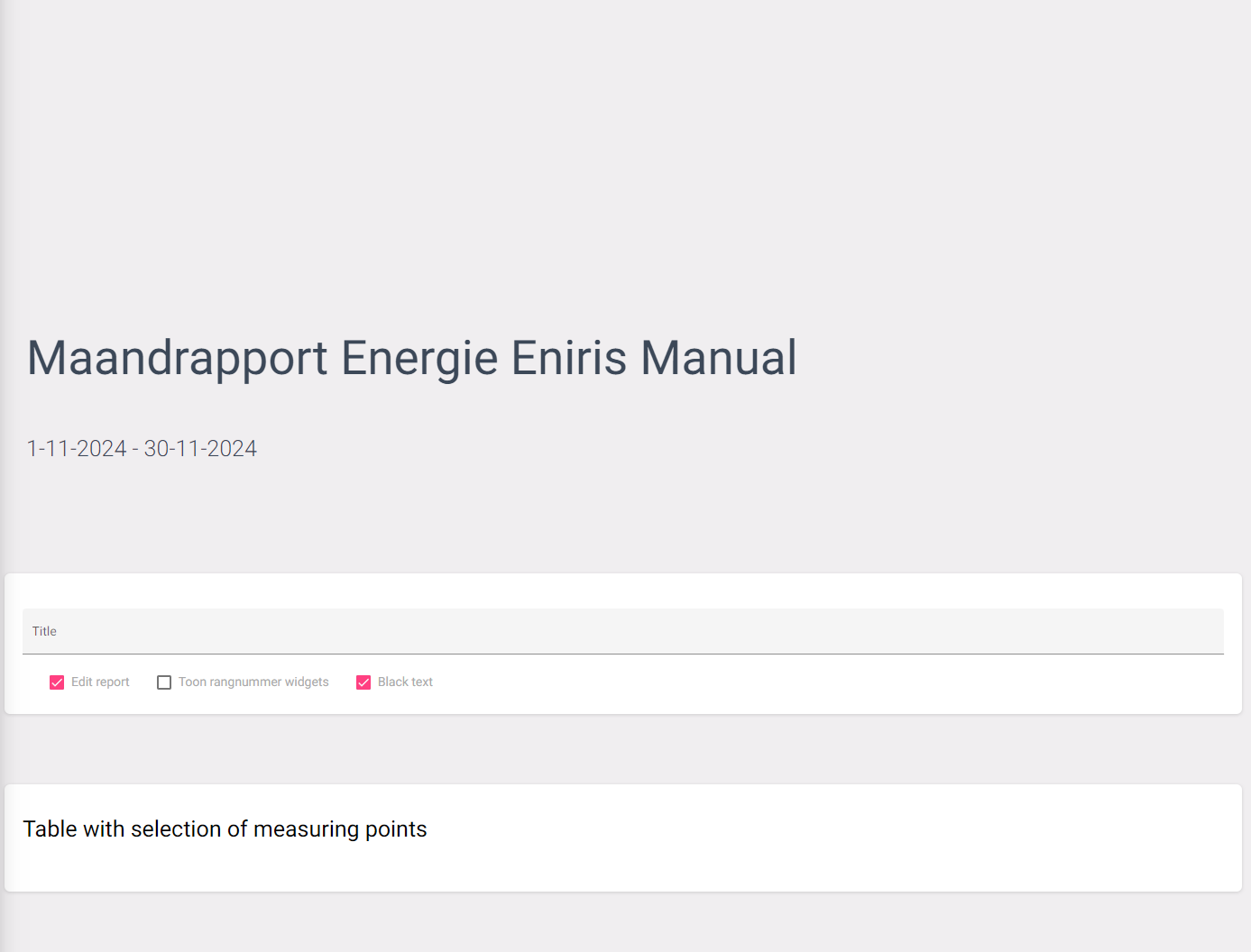
Edit report

Widget

(Widgets)

Creating Reports

Previous Page

Side menu

Next Page

On this page

Widget