
Info
Disclaimer
The mentioned functionalities may be restricted depending on the purchased software license.
Basic Whitelabeling in the Portal
If you navigate to the "Global Settings" page within the app, you can configure basic settings that apply to all users.
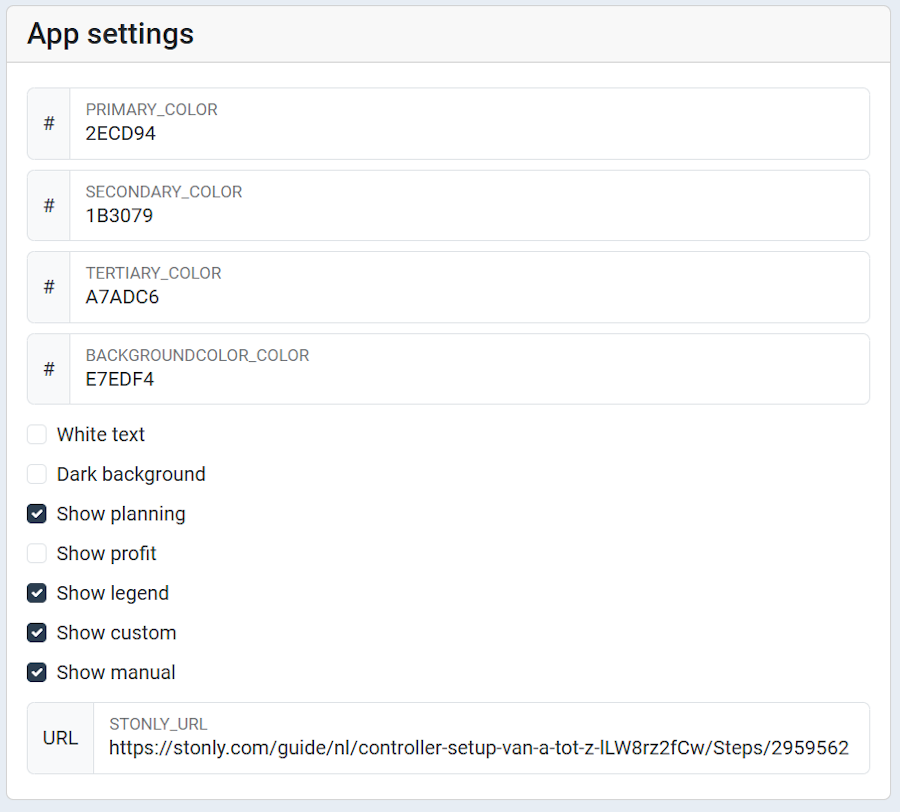
For SmartgridX, go to Settings, where you will find a widget labeled "Whitelabeling". Here, you can:
- Set your logo using a URL.
- Configure your company website link.
Advanced Whitelabeling
In addition to basic customization, SmartgridX allows for advanced whitelabeling options:
- Modify the CSS used on the portal to align with your branding.
- Customize the email template to fit your communication style.
These options provide greater flexibility in personalizing the user experience for your customers.

Last updated February 4, 2026Edit this page