
Priorities
Assigning priorities
You can assign priorities to individual controllable devices. You can access this through the "Devices" tab -> "Change Settings" (per device).
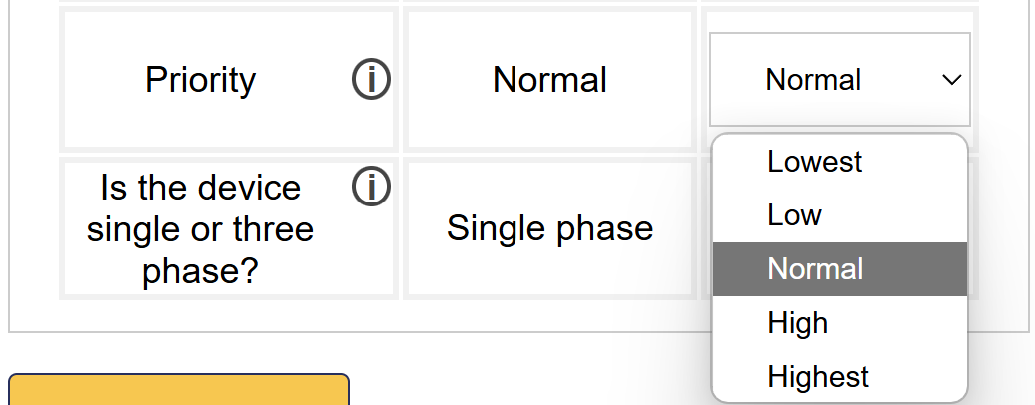
Order of planning and priorities
The scheduler follows an order of planning in devices, in a two stage system.
In the first stage, the scheduler plans everything except for solar production with no active curtailment setpoint via API and unoccupied EV chargers. This stage has three layers:
- Device priorities are the top layer. First, all the highest-priority devices are scheduled, then all high-priority devices, and so on. You can assign a priority to each device in its settings.
- The type of device is the second layer. For all devices with the same priority, the devices are scheduled in the following order according to their type:
- Heat pumps, boilers & devices switched on/off by relay. These devices are the least flexible to control.
- EV charging infrastructure. It is more efficient to consume your own energy immediately than to store it.
- Storage.
- Solar production with an active setpoint through control via API. (Note, if there is an external signal configured for solar production, but it is not presently active and local control is used, then solar production will be planned in during the second stage)
- The control mode is the third layer. For all devices with the same priority, of the same type, they are scheduled in the following order according to their control mode:
- Control not active, device always off and device always on.
- Control via API (if an external signal is active)
- Peakshaving / load balancing only
- Maximize self-consumption
- Cost optimisation
In the second stage, solar production with no active setpoint via API and unoccupied EV chargers are planned in. Here the order is a little bit different:
- All solar production in the 'cost optimisation' control mode, in order of device priorities.
- All solar production in the 'feed in restriction' control mode, in order of device priorities.
- All unoccupied EV chargers, in order of device priorities.
To assign a priority to a device, see also .
By playing with the priorities, you can obtain a different order of scheduling if desired.
Note
Application Example: Priority EV Charging Station
You have a parking lot with several EV charging stations. You want some charging stations to be given priority when charging for people who are often on the road. To do this, you can use the priorities and give priority to the EV charging stations.
Note
Heat pumps, boilers and on/off loads
For heat pumps, boilers and on/off loads, the consumption is not known if they do not provide measurements or are not explicitly measured with a separate energy meter. As a result, the SmartgridOne Controller cannot distinguish this from the basic consumption of the building, and therefore cannot be taken into account in the priorities.