
Info
Disclaimer
The mentioned functionalities may be restricted depending on the purchased software license.
Creating an iOS App Store / Google Play developer account
This page explains how to create the required developer accounts for publishing a white-labeled mobile app.
Google Play Console Developer account
To create a Google Play developer account, follow Google’s official instructions:
More information about publishing an app can be found here:
Apple Developer account
To create an Apple Developer account, follow Apple’s official instructions:
App Store Connect access
After the developer account has been created:
- Open App Store Connect:
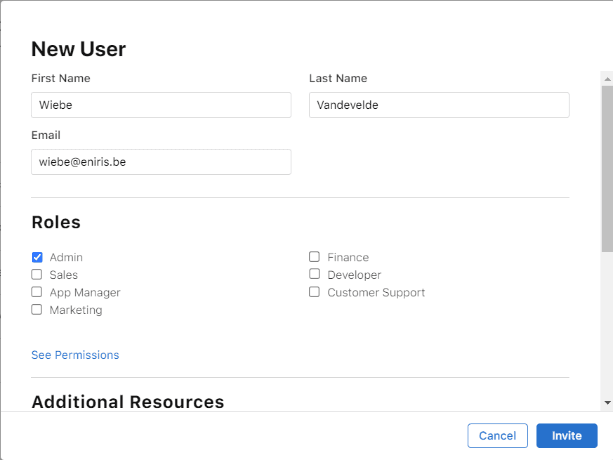
- Go to Users and Access.
- Click the + (add) icon.
- Fill in the required fields and assign roles.
D‑U‑N‑S number
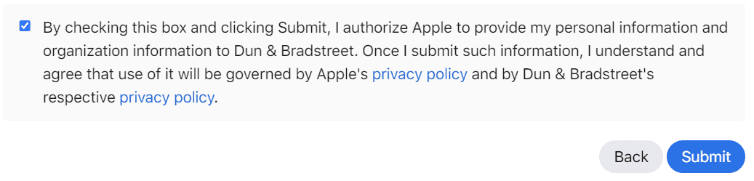
When creating an Apple Developer account for an organization, you may need a D‑U‑N‑S number.
- Check whether your organization already has a D‑U‑N‑S number (and request one if needed):
- If the system does not find your company, you can request a new D‑U‑N‑S at the bottom of the page.
Last updated January 14, 2026Edit this page