
SmartgridOne logo
SmartgridOne logo
Accessories
AppCertificates
Configuration from A to Z
Control response timeController
Customer Specific
Devices
External Signals
AgrolaAutarcoAxpoBEE EnergyCompanion EnergyDexterDiagnostic testsDNO Relay ControlDynamic Energy TradingEdmijElia
Elindus
EnecoEnergy Flexibility Solutions (EFS)EnervalisEngieEPEX Spot SolarEuropean CommoditiesFleco PowerFlowerFrank EnergieFuseboxGreenchoiceHallostroomImbyJoulenKratTrade
Monitoring
Mqtt
New integrationsNext EnergyOpinumParagraph 14a IntegrationPlan-ahead APIPleeviRepoweredScholtTrevionVGT EnergyYuso - Battery ControlYuso - Solar Curtailment
InstallationLicenseNetworkQuick StartSafety, maintenance and legal noticesSpecificationsStatus LEDs
Toolbox
Troubleshooting
Video tutorialsWiring & connectivity guidelines
External Signals
Agrola logo

Setting up Agrola

Supported Devices

Device TypeVariantsSupported
Solar InvertersAll⌛ (coming soon)
Storage Devices✅
EV Chargers❌

Notifying Agrola

Agrola will require information about the SmartgridOne Controller before they can control any assets.

This includes the SmartgridOne Controller Serial Number, and the SiteID, which is the same as the Serial Number with '_site_0' appended at the end.

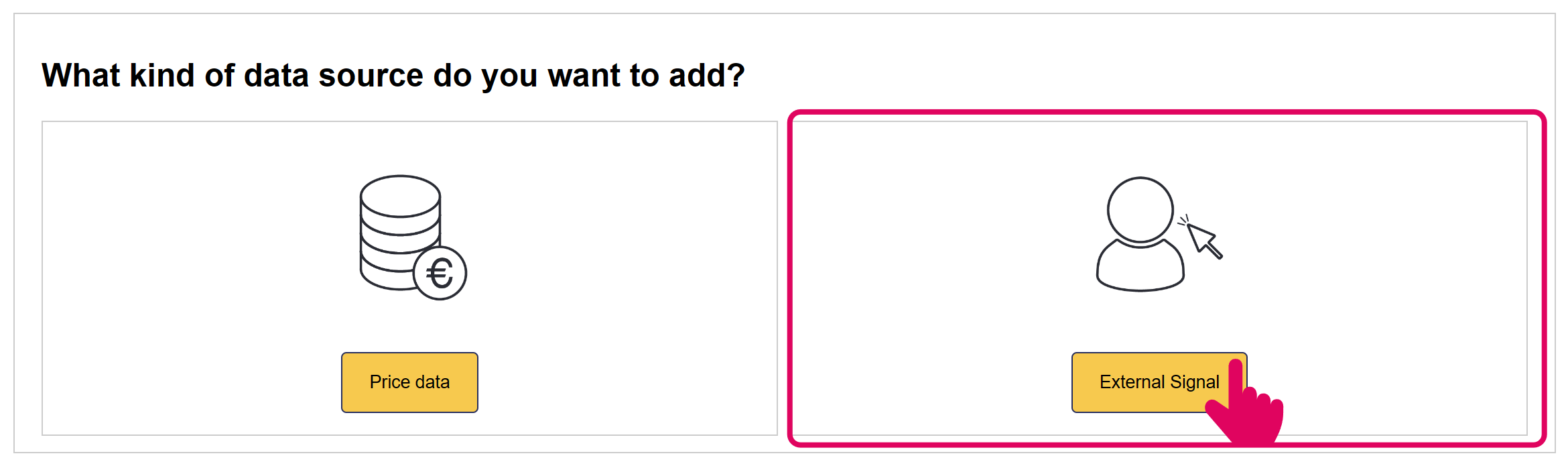
Add 'Agrola' External Signal
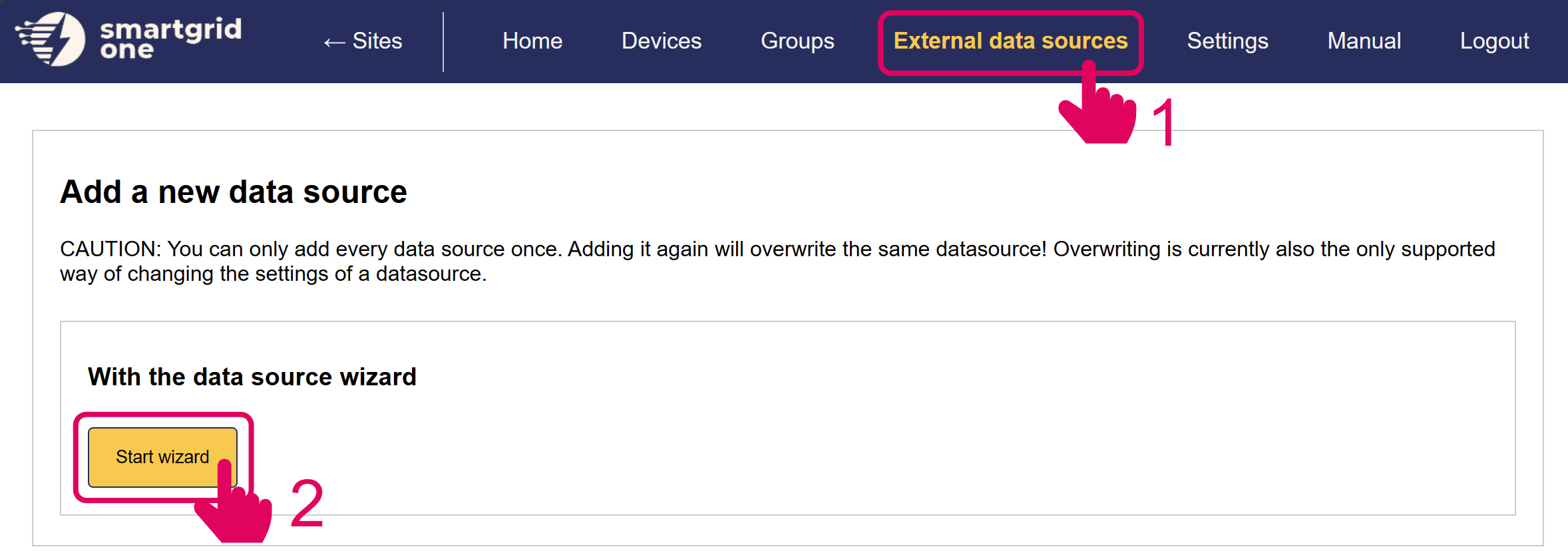
Image 1
Image 1

In the next page, you have the option to include/exclude devices for remote control. Ensure to mark all checkboxes of devices you'd like to include.

Note
Note

When using multiple batteries, they are aggregated into one (virtual) asset.
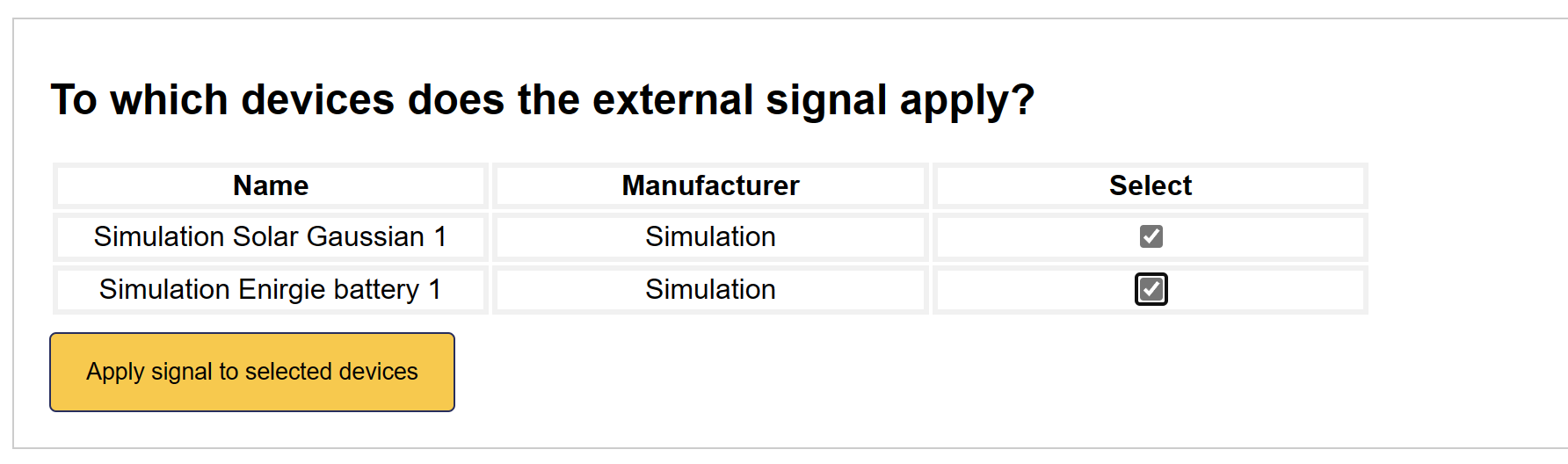
Image 1

'Agrola' is now set up on the SmartgridOne Controller.

External Signals

Previous Page

Autarco

Next Page

On this page

Setting up AgrolaSupported DevicesNotifying AgrolaAdd 'Agrola' External Signal