

Setting up Repowered
Supported Devices
| Device Type | Variants | Supported |
|---|---|---|
| Solar Inverters | All | ⌛ (coming soon) |
| Storage Devices | ✅ | |
| EV Chargers | ❌ |
Supported Countries
| Country | Supported |
|---|---|
| Belgium | ❌ |
| Netherlands | ✅ |
Notifying Repowered
Repowered will require information about the SmartgridOne Controller before they can control any assets.
This includes the SmartgridOne Controller Serial Number, and the SiteID, which is the same as the Serial Number with '_site_0' appended at the end.
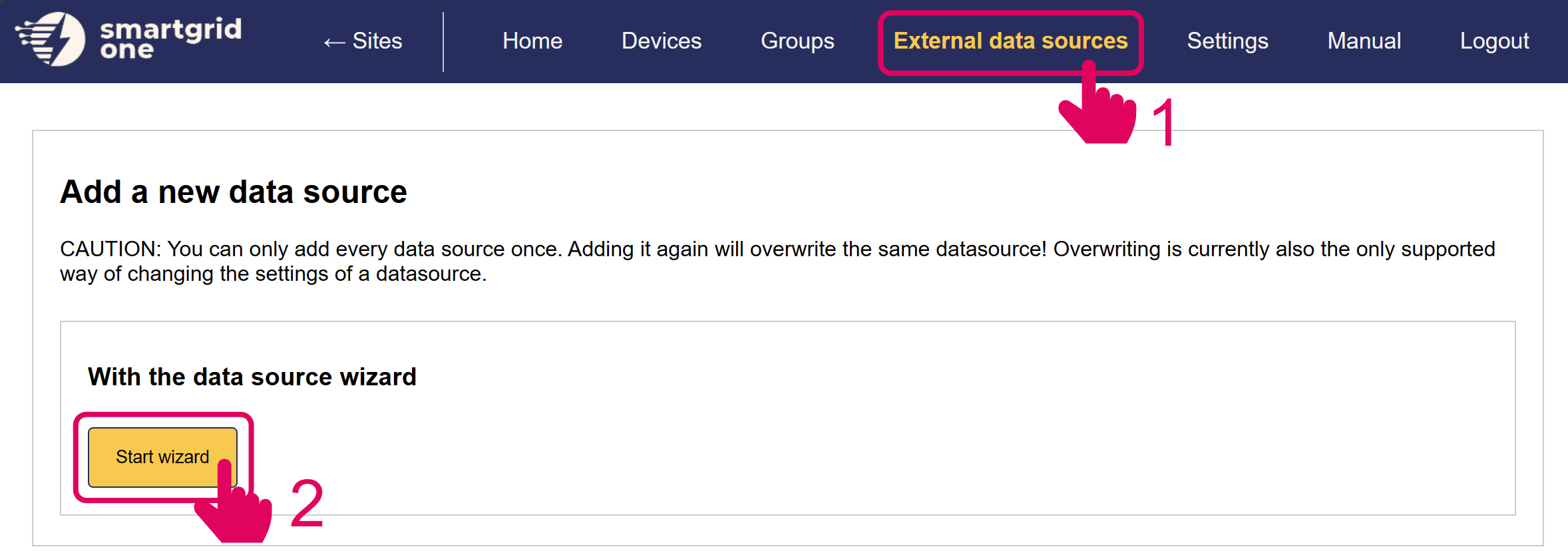
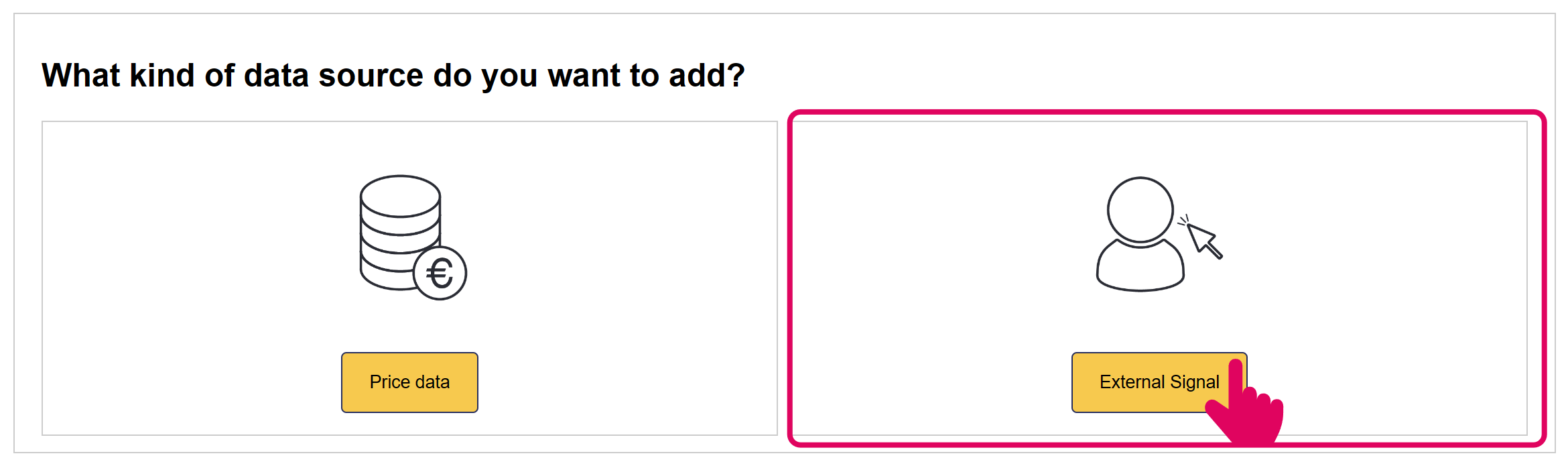
Add 'Repowered' External Signal
In the next page, you have the option to include/exclude devices for remote control. Ensure to mark all checkboxes of devices you'd like to include.
Note
Note
When using multiple batteries, they are aggregated into one (virtual) asset.
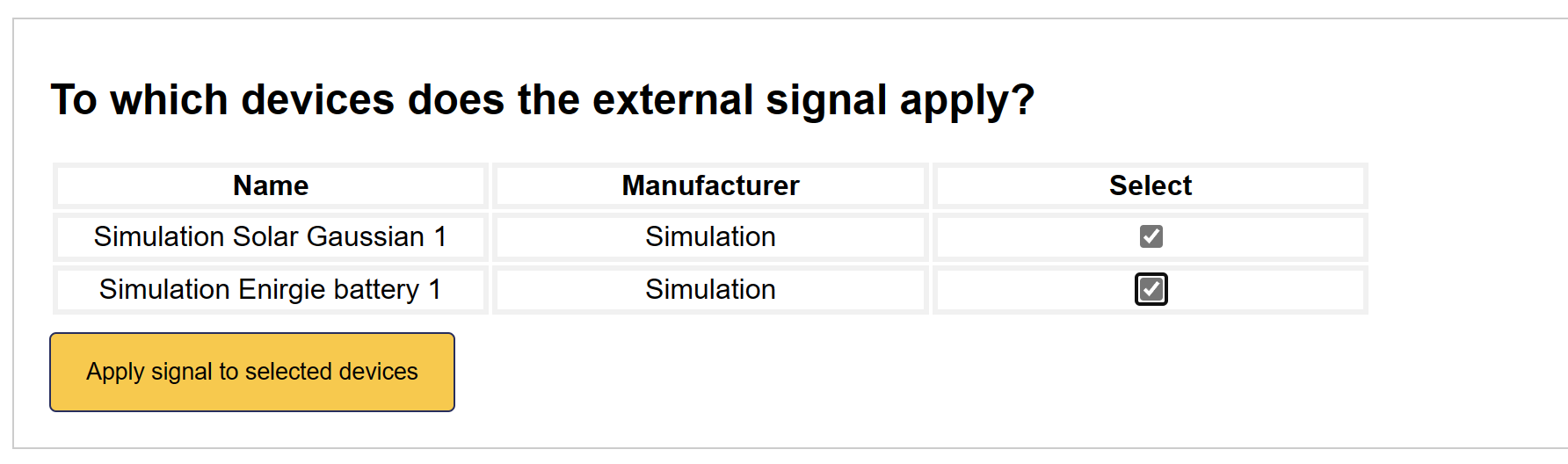
'Repowered' is now set up on the SmartgridOne Controller.
Tip
Tip
When Repowered External Control is added, the SmartgridOne Controller algorithm has no control over the battery's behaviour.
Last updated December 10, 2025Edit this page